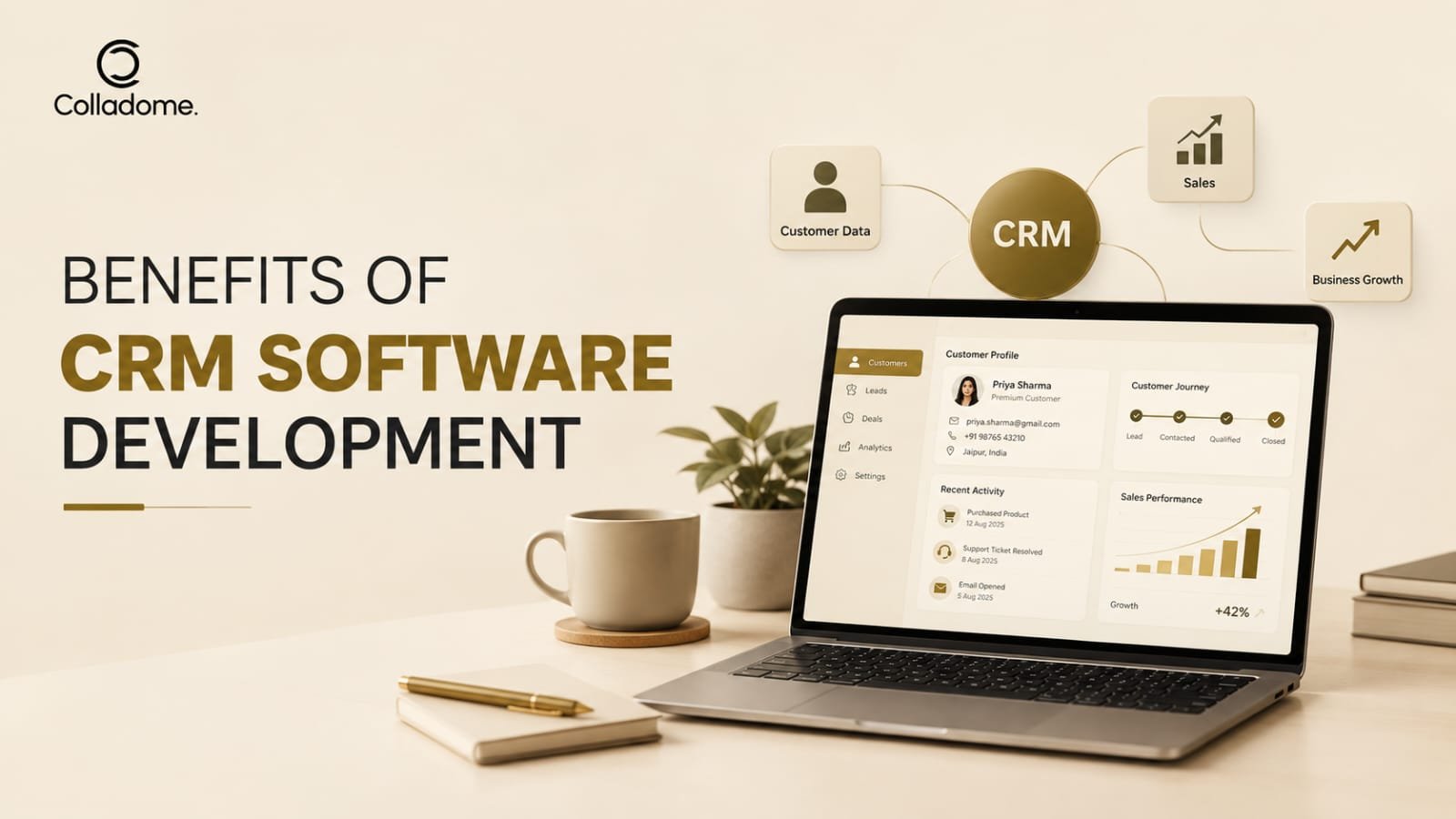

Managing customer relationships is essential for every growing business. However, using spreadsheets, disconnected applications, and manual processes can make customer management challenging. Businesses need a centralized system to manage customer information, track leads, improve communication, and increase sales efficiency.
This is where CRM software development becomes valuable. A custom Customer Relationship Management (CRM) solution helps businesses create software that matches their specific workflows, goals, and customer management needs.
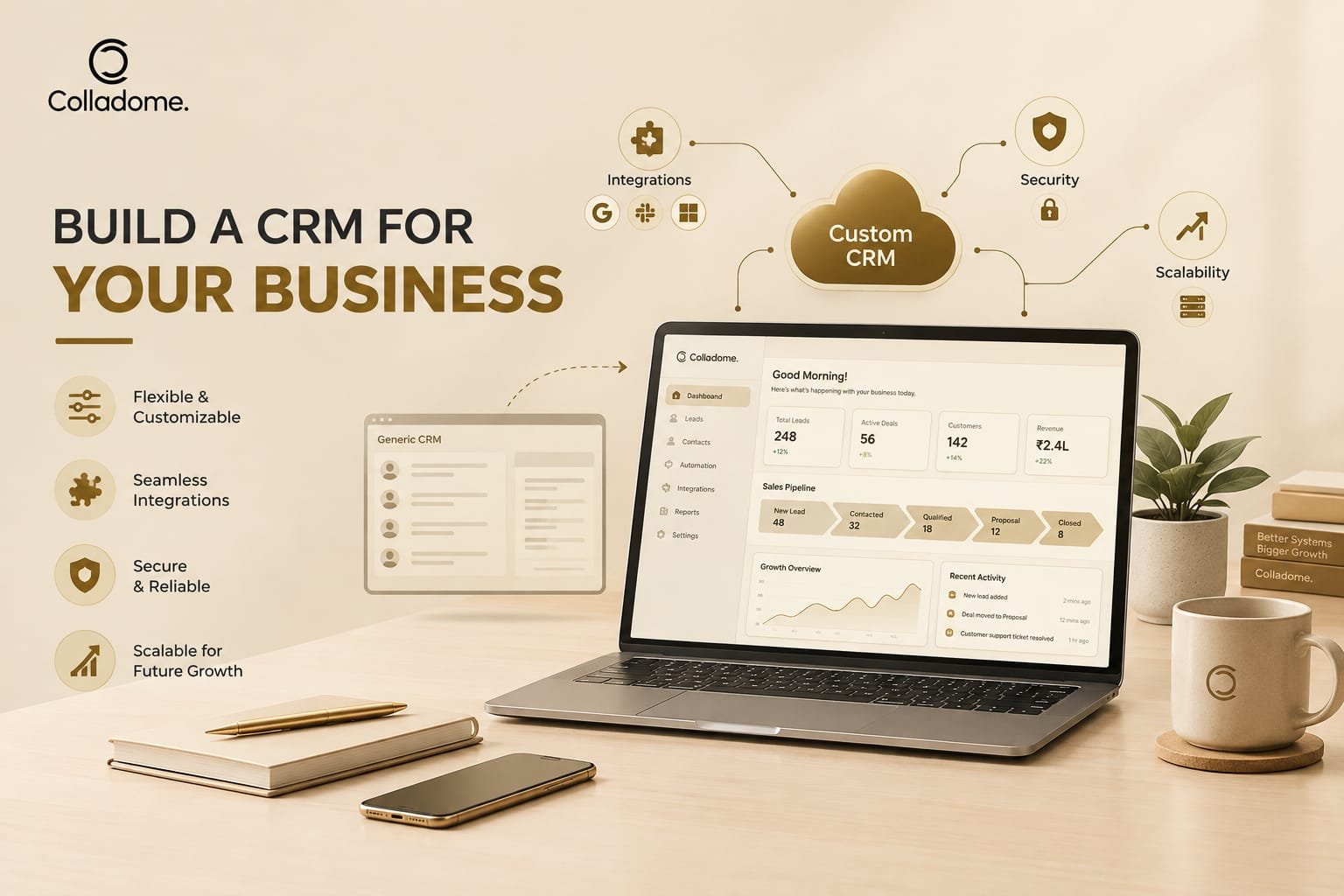
Unlike generic CRM platforms, custom CRM software can be designed with industry-specific features, flexible integrations, and scalable architecture. As a result, businesses can improve productivity, strengthen customer relationships, and support long-term growth.
In this guide, we will explore the major benefits of CRM software development and explain how choosing the right CRM software development company can support your business objectives.
What Is CRM Software Development?
CRM software development is the process of designing, developing, and maintaining a customer relationship management system. The software helps businesses organize customer data and manage interactions throughout the customer journey.
A CRM solution can include features such as:
- Customer and contact management
- Lead tracking and sales pipeline management
- Marketing automation
- Customer support management
- Task and workflow automation
- Reports and analytics
- Email and communication integration
- Role-based access and security
- Third-party software integrations
Businesses can choose between ready-made CRM platforms and custom-built CRM solutions. While ready-made platforms offer standard features, custom CRM development allows organizations to build functionality according to their unique requirements.
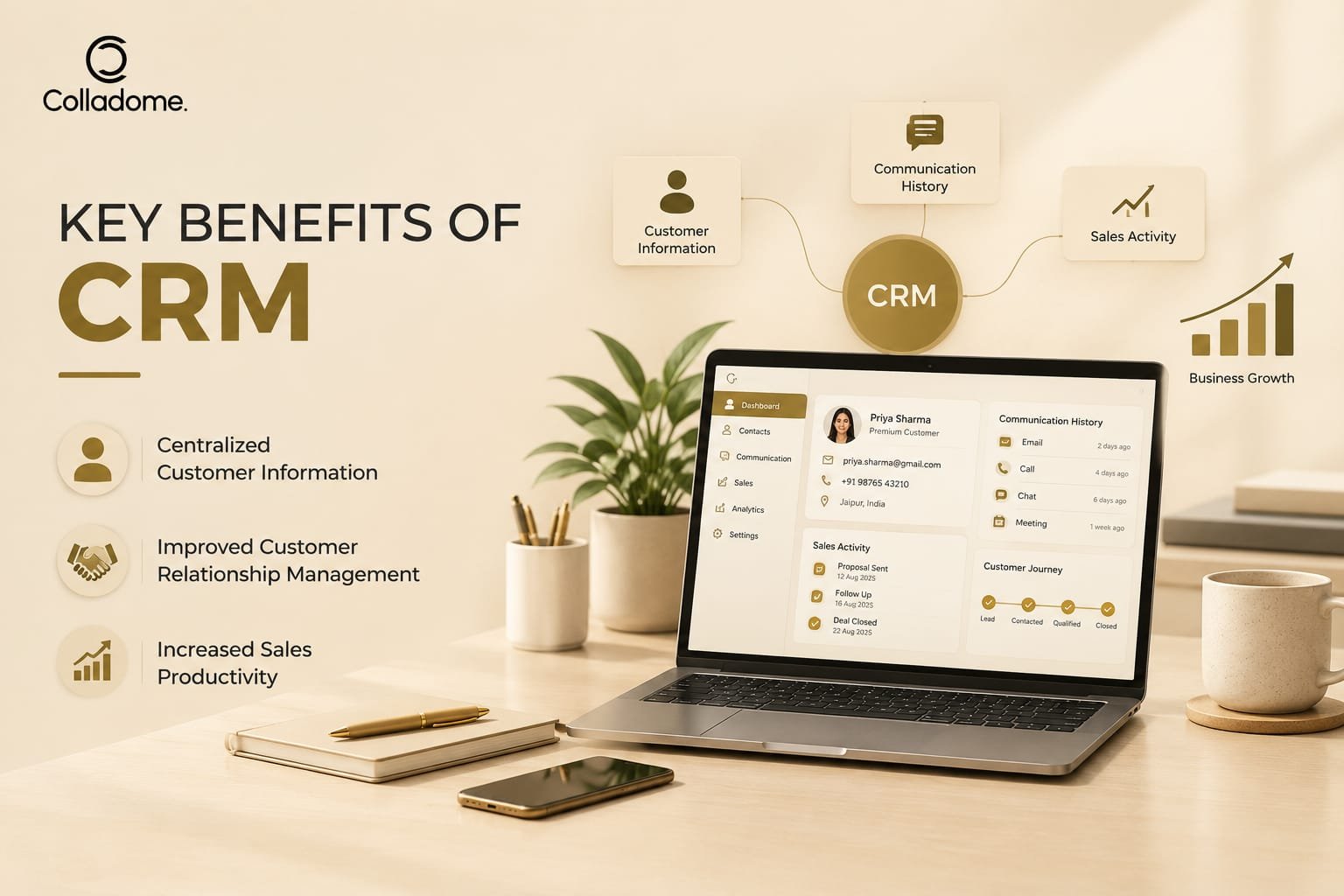
Key Benefits of CRM Software Development
Investing in CRM software development can improve several areas of business operations. From customer service to sales automation, a custom CRM solution helps businesses manage their processes more efficiently.
1. Centralized Customer Information
One of the primary benefits of CRM software development is centralized data management.
Businesses often store customer details across spreadsheets, emails, messaging platforms, and different business applications. This fragmented approach can result in duplicate records, missing information, and communication gaps.
A CRM system brings customer information into one centralized platform. Sales teams, customer support representatives, and managers can access relevant information based on their permissions.
A centralized CRM can store:
- Customer contact details
- Previous interactions
- Purchase history
- Lead status
- Customer preferences
- Support requests
- Sales activities
Therefore, teams can make informed decisions and provide more consistent customer experiences.
2. Improved Customer Relationship Management
Strong customer relationships are important for customer retention and long-term business growth. CRM software helps businesses understand customer needs and maintain meaningful interactions.
With a custom CRM solution, employees can access previous conversations, customer preferences, and service history. This information allows teams to personalize communication and respond to customer requirements more effectively.
For example, a customer support representative can review previous service requests before responding to a new issue. Consequently, customers do not need to repeat the same information multiple times.
A well-designed CRM system supports better communication, faster responses, and improved customer satisfaction.
3. Increased Sales Productivity
Sales teams often spend considerable time performing repetitive administrative tasks. These activities may include updating records, sending follow-up emails, preparing reports, and tracking leads manually.
CRM software development helps automate many of these processes. Sales representatives can spend more time communicating with prospects and closing deals.
Useful CRM sales features include:
- Lead assignment
- Follow-up reminders
- Sales pipeline tracking
- Automated notifications
- Deal management
- Sales forecasting
- Performance reports
As a result, sales teams can organize their activities and reduce time spent on manual data entry.
4. Better Lead Management
Effective lead management helps businesses identify potential customers and guide them through the sales process.
Without a structured system, leads may be lost because of delayed responses, incomplete records, or poor follow-up practices. A CRM platform helps businesses track each lead from initial contact to conversion.
| CRM Feature | Business Benefit |
| Lead capture | Collects leads from different sources |
| Lead scoring | Helps prioritize potential customers |
| Lead assignment | Distributes leads among sales representatives |
| Follow-up reminders | Reduces missed opportunities |
| Pipeline tracking | Provides visibility into sales progress |
Moreover, custom CRM software can be configured according to the company’s sales stages and lead qualification process.
5. Workflow Automation
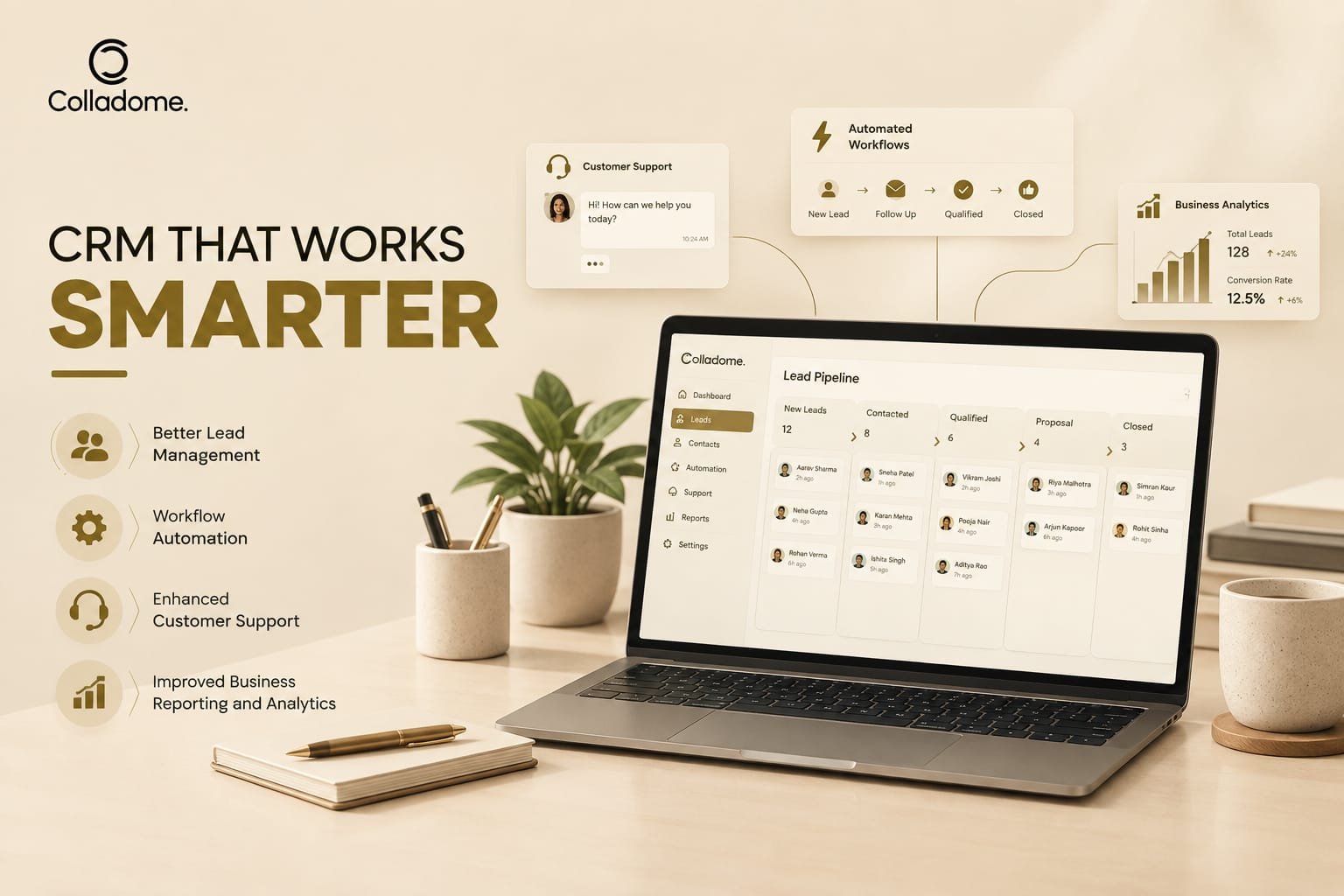
Manual workflows can slow down business operations and increase the possibility of errors. CRM software development enables businesses to automate repetitive tasks and standardize internal processes.
For example, a CRM system can automatically:
- Assign new leads to sales employees
- Send follow-up reminders
- Notify managers about high-value opportunities
- Update lead statuses
- Generate regular reports
- Create customer support tickets
- Trigger email notifications
Automation improves operational efficiency while allowing employees to focus on more important responsibilities.
Furthermore, automation rules can be customized according to business requirements. This flexibility is particularly useful for organizations with complex workflows.
6. Enhanced Customer Support
Customer support plays a significant role in customer satisfaction and retention. A CRM solution helps support teams organize customer requests and track service interactions.
A custom CRM platform can include:
- Ticket management
- Customer complaint tracking
- Support team assignment
- Service-level notifications
- Knowledge base integration
- Support performance analytics
- Customer communication history
When customer information and support records are available in one place, employees can respond more efficiently.
Additionally, CRM integrations with email, chat, and other communication tools can help businesses manage customer conversations through a unified system.
7. Improved Business Reporting and Analytics
Business decisions should be supported by reliable data. CRM software development provides reporting and analytics features that help managers understand business performance.
A CRM dashboard can track important metrics such as:
- Number of new leads
- Lead conversion rate
- Sales revenue
- Customer retention
- Sales representative performance
- Customer support response time
- Marketing campaign results
These insights help businesses identify trends, understand customer behavior, and recognize areas for improvement.
For example, managers can analyze the sales pipeline to identify stages where leads frequently stop progressing. Based on this information, the business can improve its sales strategy.
Custom CRM Software vs. Ready-Made CRM Solutions
Businesses should evaluate their requirements before choosing a CRM solution. Both custom and ready-made CRM platforms have different characteristics.
| Factor | Ready-Made CRM | Custom CRM Software |
| Features | Standardized features | Features designed for business needs |
| Customization | Limited by platform capabilities | High flexibility |
| Integration | Supported integrations | Custom integration options |
| Scalability | Depends on provider and plan | Can be developed for future growth |
| Initial investment | Often lower initially | May require higher development investment |
| Maintenance | Managed according to provider plans | Managed according to business requirements |
| Industry-specific workflows | May require workarounds | Can be developed directly into the system |
A ready-made CRM may be suitable for businesses with standard requirements. However, organizations with specialized workflows, complex integrations, or long-term customization needs may benefit from custom CRM development.
The right choice depends on the company’s budget, technical requirements, team size, and growth plans.
Why Choose a CRM Software Development Company?
Developing a CRM platform requires technical expertise, business understanding, and careful planning. A professional CRM software development company can help businesses build a solution that aligns with their operational needs.
A development partner can support the following activities:
Requirement Analysis
The development team evaluates business workflows, customer management challenges, and required CRM features. This stage helps establish a clear project scope.
UI/UX Design
A user-friendly interface makes it easier for employees to adopt the CRM system. Developers and designers can create dashboards and workflows that match the team’s daily activities.
Custom CRM Development
The development team builds the CRM features, backend architecture, integrations, and administrative functionality according to the approved requirements.
Testing and Quality Assurance
Testing helps identify functional issues, security vulnerabilities, and performance problems before the system is deployed.
Deployment and Maintenance
After deployment, the development partner can provide technical support, performance improvements, updates, and additional feature development.
Therefore, selecting an experienced CRM development partner can help reduce technical challenges and support long-term software reliability.
How to Choose the Best CRM Software Development Company
Choosing the best CRM software development company depends on your business requirements rather than marketing claims alone. Before selecting a development partner, evaluate the following factors.
1. Technical Experience
Review the company’s experience with CRM development, cloud applications, APIs, databases, and third-party integrations.
2. Industry Understanding
A development company that understands your industry can help design workflows that match your business processes.
3. Customization Capabilities
Confirm whether the company can develop custom features instead of offering only prebuilt templates.
4. Security Practices
Customer information is sensitive. Discuss authentication, access controls, encryption, data protection, and security testing.
5. Scalability
Your CRM should be able to support business growth. Ask how the proposed architecture will handle increasing users, records, integrations, and transactions.
6. Support and Maintenance
CRM development is not limited to initial deployment. Discuss post-launch support, bug fixes, updates, and future improvements.
7. Project Transparency
Clear communication, documentation, milestones, and regular progress updates can help maintain project visibility.
A suitable development partner should understand both the technical and operational aspects of your CRM project.
CRM Software Development Services You May Need
Professional CRM software development services can cover different stages of the software lifecycle. Depending on your requirements, you may need one or more of the following services:
- Custom CRM application development
- CRM customization
- CRM integration services
- CRM migration
- CRM mobile application development
- CRM API development
- CRM dashboard development
- CRM automation
- Cloud-based CRM development
- CRM maintenance and support
For example, a business may initially require a sales CRM. Later, it may need customer support, marketing automation, mobile access, and advanced analytics.
A modular development approach allows businesses to introduce features progressively while managing development priorities.
How CRM Software Supports Business Growth
CRM software can support business growth by improving the way teams manage customers, leads, and internal processes.
Operational Efficiency
Automated workflows reduce repetitive tasks and help employees manage their responsibilities more effectively.
Improved Customer Retention
Access to customer history and personalized communication can help businesses maintain stronger customer relationships.
Better Collaboration
Sales, marketing, and support teams can access shared information and coordinate their activities more efficiently.
Data-Driven Decisions
Reports and dashboards provide useful insights into customer activity, sales performance, and business operations.
Scalable Business Processes
Custom CRM architecture can be designed to accommodate future business requirements and additional integrations.
However, CRM software alone does not guarantee business growth. Results depend on implementation quality, employee adoption, data accuracy, and how effectively the business uses the system.
Common Challenges in CRM Software Development
Although CRM development offers several advantages, businesses should also consider potential challenges.
Unclear Requirements
Incomplete requirements can result in scope changes and development delays. Businesses should define their goals and workflows before development begins.
Data Migration Issues
Moving customer information from existing tools into a new CRM system requires careful planning and validation.
User Adoption
Employees may hesitate to use a new platform if it is difficult to navigate. Training and simple user interfaces can support adoption.
Integration Complexity
Integrating CRM software with ERP systems, email platforms, payment solutions, and marketing tools may require additional development work.
Budget Management
Custom development costs depend on features, complexity, integrations, security requirements, and development timelines. A clear project scope can help manage the budget.
Future Trends in CRM Software Development
CRM systems are evolving as businesses adopt automation, artificial intelligence, and connected digital platforms.
Some important trends include:
AI-Powered Customer Insights
AI-based features can help businesses analyze customer data, identify patterns, and support sales forecasting.
Intelligent Automation
CRM platforms can use automation to recommend follow-up actions, classify leads, and assist employees with routine tasks.
Omnichannel Communication
Businesses increasingly manage customer interactions through email, chat, social platforms, and other channels. CRM systems can help organize these conversations.
Mobile CRM
Mobile-friendly CRM applications allow employees to access customer information and update records while working remotely or traveling.
Advanced Analytics
Businesses can use dashboards and predictive analytics tools to better understand customer behavior and operational performance.
These capabilities should be introduced based on actual business requirements, data quality, security considerations, and available resources.