
Businesses manage large amounts of data across departments such as finance, sales, human resources, inventory, procurement, and operations. When these departments use disconnected systems, employees may spend more time entering data, checking records, and coordinating processes.
This is where Enterprise Resource Planning (ERP) software can help. ERP systems bring multiple business functions together through a centralized platform, allowing organizations to manage information and workflows more efficiently.
But what is ERP software development, and how does it work?
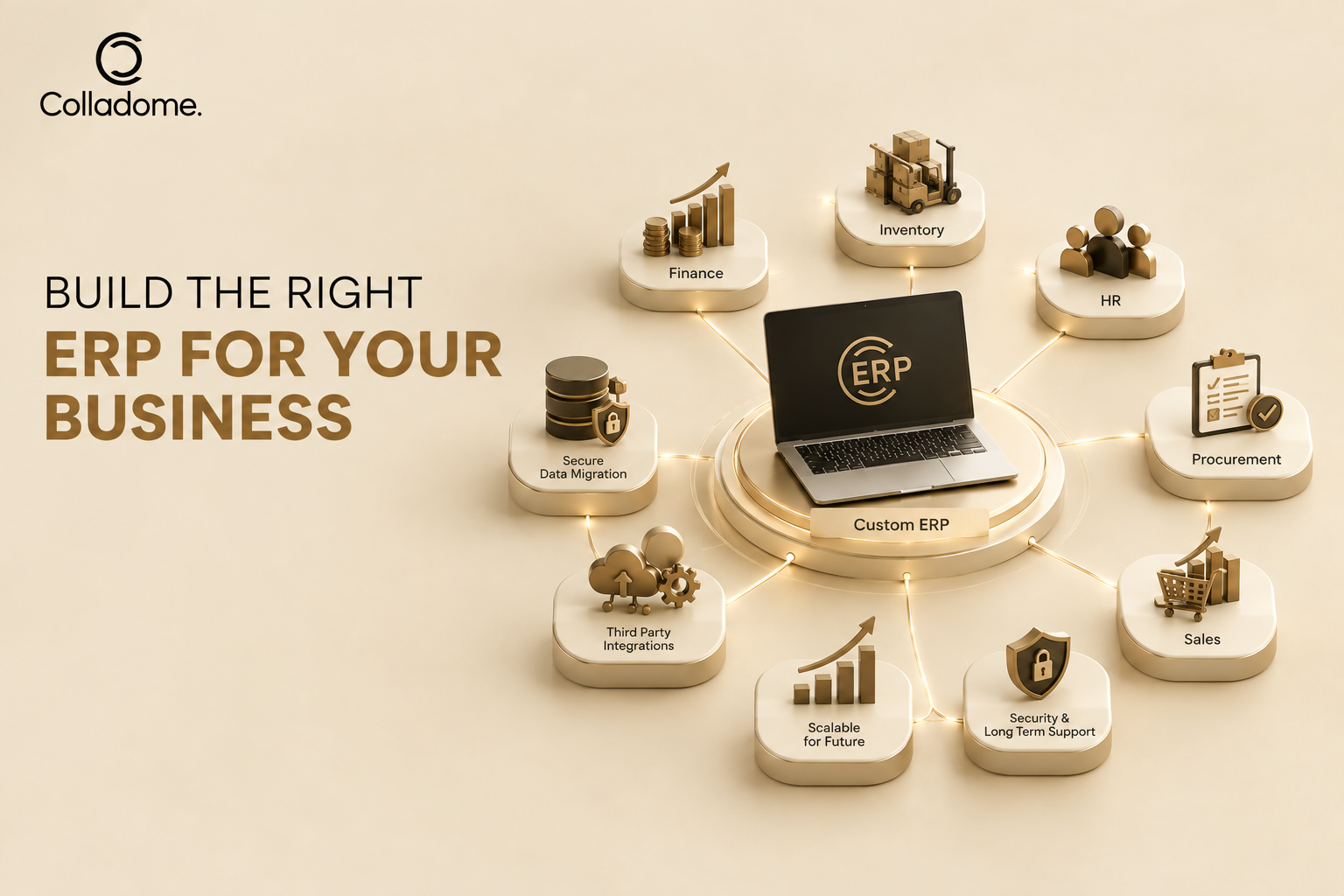
ERP software development is the process of planning, designing, building, testing, deploying, and maintaining an ERP system based on an organization’s specific business requirements. Depending on the business, an ERP solution can include modules for finance, inventory, human resources, customer management, procurement, sales, and other operations.
This guide explains ERP software development, the services involved, development costs, and how businesses can choose the right development team.
What Is ERP Software Development?
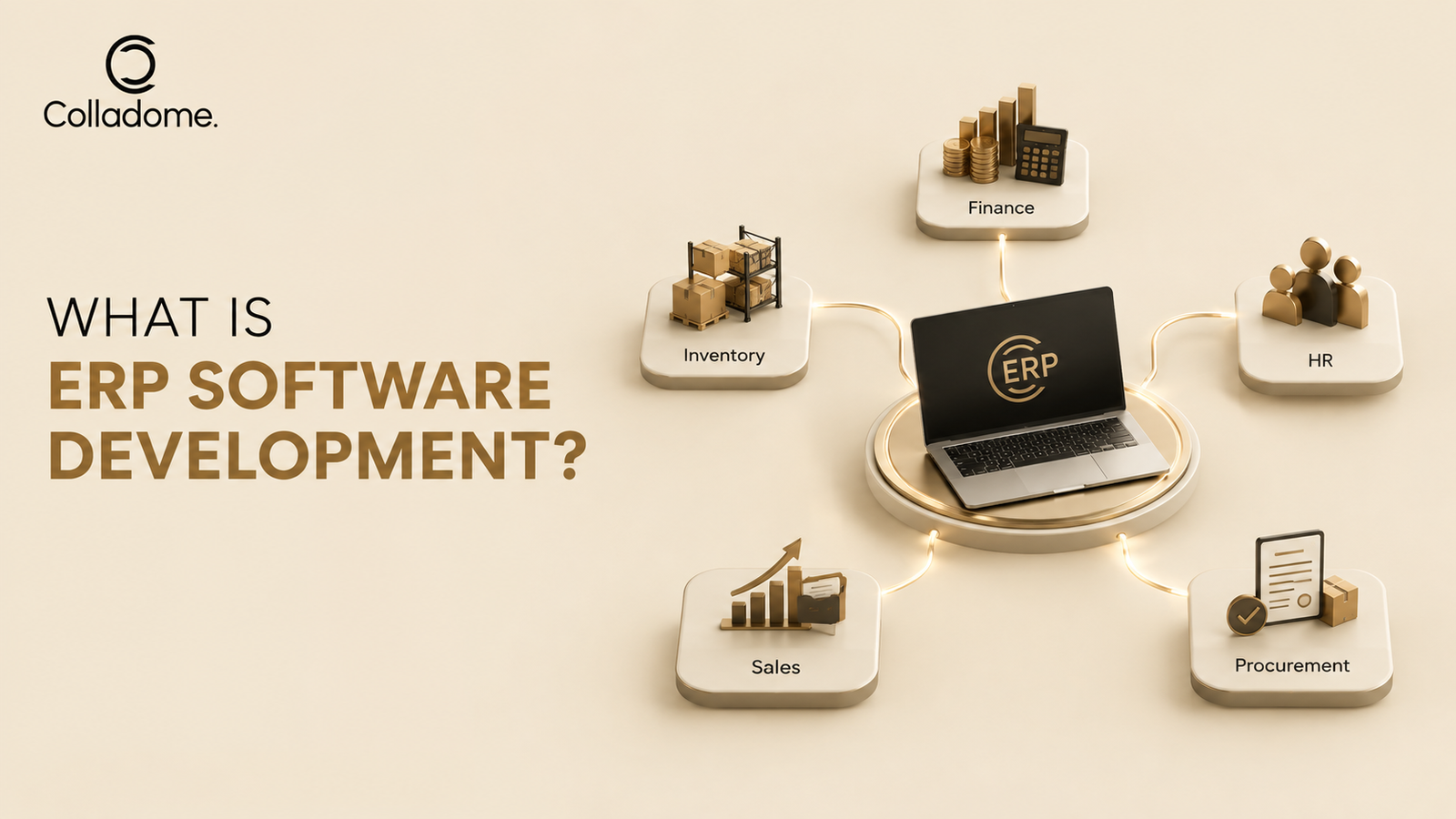
ERP software development involves creating an integrated business management system that connects different organizational functions through a centralized platform.
Instead of maintaining separate systems for different departments, businesses can use an ERP solution to bring important processes and data together.
For example, an ERP system may connect:
- Finance and accounting
- Human resources
- Inventory management
- Procurement
- Sales
- Customer management
- Supply chain operations
- Project management
- Reporting and analytics
The exact modules depend on the organization’s size, industry, workflows, and operational requirements.
A custom ERP system can also integrate with existing business applications, payment systems, third-party APIs, and other enterprise tools.
How Does ERP Software Development Work?
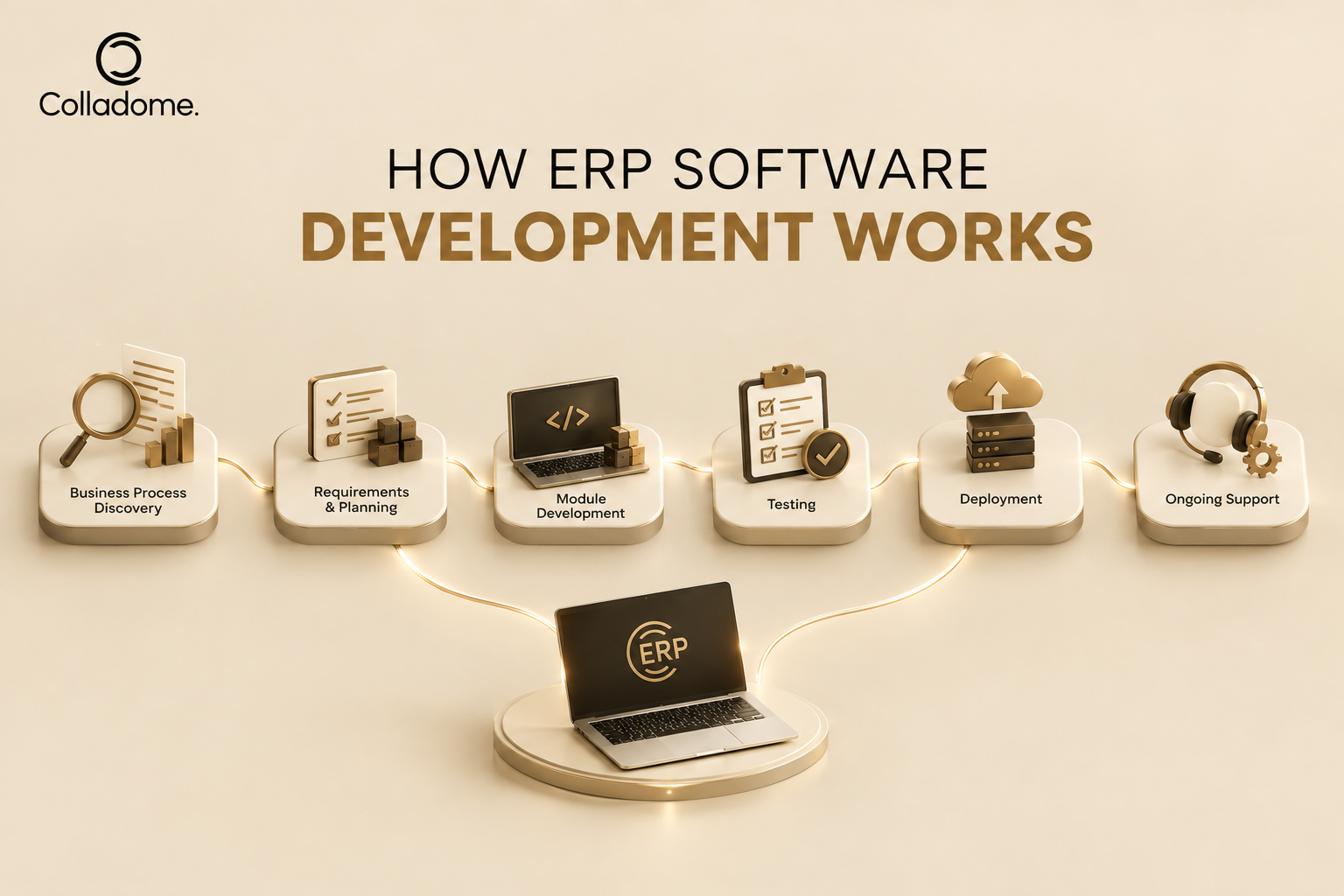
ERP development usually follows a structured process. Each stage helps ensure that the final system matches the organization’s operational requirements.
1. Business Requirement Analysis
The development process starts with understanding how the business operates.
The development team works with stakeholders to identify:
- Existing workflows
- Business challenges
- Department requirements
- User roles
- Data sources
- Required integrations
- Reporting needs
- Security requirements
This stage helps define the scope of the ERP system.
2. ERP Planning and Architecture
Once the requirements are established, the team defines the system architecture and technical approach.
This includes decisions about:
- Cloud or on-premise deployment
- Database architecture
- Technology stack
- User access controls
- Integration requirements
- Scalability
- Data security
A well-planned architecture makes it easier to expand the ERP system as the business grows.
3. UI/UX Design
The ERP interface should make complex business processes easy to manage.
Designers create dashboards, forms, navigation structures, reports, and workflows based on the needs of different users.
For example, an accounting user may need financial dashboards, while an inventory manager may need stock-level information and purchase orders.
4. ERP Development
Developers then build the ERP modules and business logic.
Depending on the project scope, development may include finance, inventory, HR, sales, procurement, CRM, reporting, and other modules.
Developers also build APIs and integrations when the ERP needs to communicate with external applications.
5. Testing and Quality Assurance
ERP systems handle important business information, so testing is an essential part of development.
QA teams can test:
- Functional requirements
- User permissions
- Data accuracy
- API integrations
- Performance
- Security
- Cross-device compatibility
- Business workflows
Testing helps identify problems before the ERP system becomes part of daily operations.
6. Deployment and Data Migration
Once testing is complete, the ERP system can be deployed.
If the business is replacing an existing system, data migration may also be required. This can involve transferring customer records, financial information, inventory data, employee information, and other business records.
7. Maintenance and Support
ERP software requires ongoing maintenance after deployment.
Businesses may need updates, security improvements, bug fixes, performance optimization, new integrations, and additional modules as their requirements change.
What Are ERP Software Development Services?
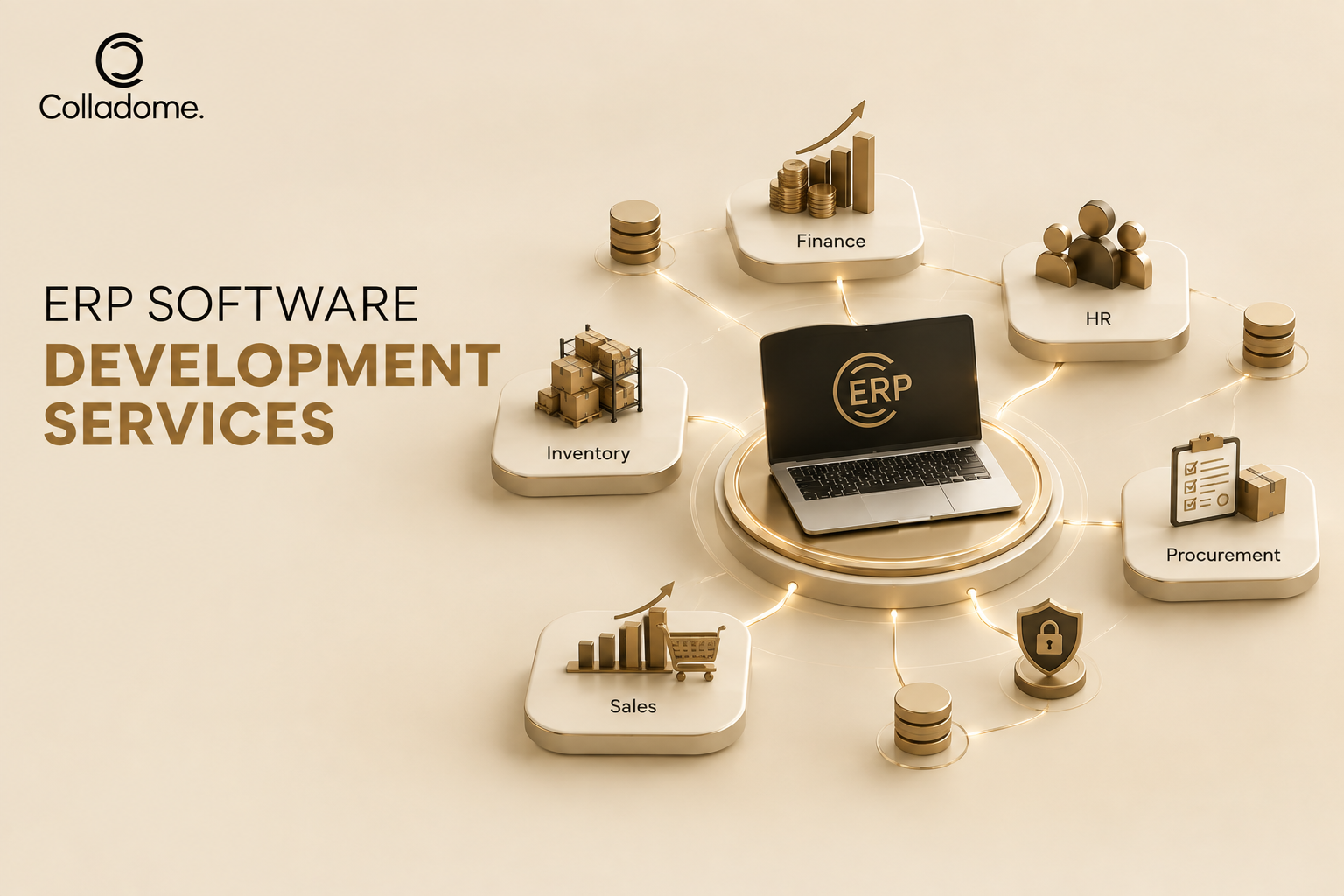
ERP software development services cover the different technical and consulting activities required to create, implement, and maintain an ERP solution.
Common services include:
Custom ERP Development
Custom ERP development involves creating software around a company’s specific processes and requirements.
This approach can be useful when standard ERP products do not provide the flexibility or functionality a business needs.
ERP Consulting
ERP consulting helps businesses identify their requirements and determine which modules, workflows, integrations, and technologies they need.
Consultants can also help define project scope and implementation strategies.
ERP Module Development
Businesses can develop individual modules based on their operational needs.
Examples include:
- Finance and accounting
- Inventory
- HR and payroll
- Procurement
- Sales
- CRM
- Supply chain
- Project management
ERP Integration
ERP systems often need to communicate with other business applications.
Integration services can connect an ERP system with CRM platforms, payment gateways, e-commerce systems, accounting applications, communication tools, and other APIs.
ERP Migration
ERP migration involves moving data from an existing system into a new ERP environment.
The process should include data mapping, validation, testing, and security controls.
ERP Maintenance and Support
Post-launch support can include system monitoring, bug fixes, security updates, performance improvements, and feature enhancements.
What Are the Benefits of Custom ERP Software?
Custom ERP development can offer several advantages for organizations with specific operational requirements.
Centralized Business Data
An ERP system can bring information from different departments into one centralized platform.
This can reduce dependence on disconnected spreadsheets and applications.
Improved Operational Efficiency
Automating repetitive processes can reduce manual data entry and help employees spend more time on higher-value tasks.
Better Business Visibility
Centralized information can help managers monitor operations through dashboards and reports.
Decision-makers can access relevant information without collecting data manually from multiple departments.
Greater Process Flexibility
A custom ERP system can be designed around existing business workflows.
Businesses can also modify or extend the system as their requirements evolve.
Improved Data Management
A centralized system can provide consistent access to business information while applying role-based permissions to sensitive data.
Easier Business Scaling
A well-designed ERP architecture can support additional users, modules, locations, and integrations as the organization expands.
Custom ERP vs Off-the-Shelf ERP
Businesses often need to decide between purchasing an existing ERP product and developing a custom solution.
| Factor | Custom ERP | Off-the-Shelf ERP |
|---|---|---|
| Customization | Designed around specific business requirements | Limited to available features and configurations |
| Development | Built specifically for the organization | Already developed |
| Implementation | Usually requires more planning and development | Can be faster to implement |
| Scalability | Can be designed around long-term requirements | Depends on the provider and product |
| Integrations | Can be built for specific systems | Depends on available integrations |
| Upfront investment | Usually higher | Often lower initially |
| Control | Greater control over features and workflows | Depends on the vendor |
The right option depends on the organization’s requirements, budget, operational complexity, and long-term technology strategy.
How to Hire ERP Software Development Developers
Finding the right team is an important part of an ERP project.
When you hire ERP software development developers, evaluate their technical expertise as well as their understanding of business processes.
Check ERP Development Experience
Look for developers or teams that have worked on ERP systems with similar functionality.
Experience with enterprise applications can help developers understand complex workflows and integration requirements.
Review Previous Projects
Ask for relevant case studies or examples of previous ERP projects.
Look for experience with the modules and integrations your business requires.
Evaluate Technical Skills
The team should have experience with the technologies required for your project.
This may include backend development, frontend development, databases, cloud infrastructure, APIs, security, and third-party integrations.
Understand Their Development Process
Ask how the team handles:
- Requirement gathering
- UI/UX design
- Development
- Testing
- Data migration
- Deployment
- Maintenance
A structured development process can reduce project risks.
Check Post-Launch Support
ERP systems are long-term business tools.
Before hiring a development team, understand how it handles maintenance, updates, bug fixes, security issues, and future enhancements.
How to Choose an ERP Software Development Company in India
India has a large technology development ecosystem, making it an option for businesses looking for ERP development expertise.
When evaluating an ERP software development company in India, consider more than development rates.
Relevant Industry Experience
Choose a company that understands your industry’s processes and challenges.
For example, an ERP system for manufacturing may require different workflows from an ERP platform for healthcare, retail, logistics, or professional services.
Technical Expertise
Review the company’s experience with ERP architecture, databases, cloud platforms, APIs, security, and integrations.
Customization Capabilities
Ask whether the company can create custom workflows and modules instead of relying only on pre-built functionality.
Project Communication
Clear communication is important for ERP projects because requirements can involve multiple departments.
Confirm how the team handles meetings, progress reports, documentation, feedback, and approvals.
Pricing Transparency
Ask for a detailed proposal that explains development phases, deliverables, timelines, integrations, and support.
Avoid comparing providers based only on their initial price.
How Much Does ERP Software Development Cost?
ERP software development cost varies significantly from one project to another.
There is no single fixed price because the total investment depends on the scope and complexity of the system.
Several factors influence the cost.
Number of ERP Modules
An ERP system with finance and inventory may require fewer resources than one that also includes HR, CRM, procurement, supply chain, manufacturing, analytics, and other modules.
Customization Requirements
Highly customized workflows require more analysis, design, development, and testing.
Integrations
Connecting the ERP system with external applications can increase development requirements.
Examples include:
- CRM systems
- Payment gateways
- E-commerce platforms
- Accounting software
- HR platforms
- Shipping systems
- Communication APIs
Number of Users
The number of users and user roles can influence architecture, permissions, performance requirements, and infrastructure planning.
Cloud Infrastructure
Cloud hosting, storage, databases, backups, monitoring, and security can contribute to the overall cost of running an ERP system.
Security Requirements
Businesses handling sensitive financial, employee, customer, or operational data may require additional security controls and compliance measures.
Maintenance
The long-term cost can include technical support, system updates, security improvements, bug fixes, infrastructure management, and new features.
For this reason, businesses should request a detailed estimate based on their actual requirements rather than relying on a generic ERP development price.
Common ERP Software Development Mistakes to Avoid
ERP projects can become difficult when businesses underestimate their complexity.
Here are some common mistakes to avoid.
Poor Requirement Planning
Starting development without clearly documenting business requirements can lead to scope changes and unnecessary development work.
Ignoring User Experience
ERP systems can contain many features. A confusing interface can make adoption difficult for employees.
Insufficient Testing
Because ERP systems connect multiple departments, a problem in one workflow can affect other processes.
Thorough testing is therefore essential.
Weak Data Migration Planning
Incorrect or incomplete data migration can create operational problems after deployment.
Businesses should validate migrated data before the system goes live.
Choosing Technology Only Based on Cost
The cheapest development option may not provide the architecture, security, scalability, or support the business needs.
Technology decisions should consider long-term requirements rather than only initial development costs.
Ignoring Employee Training
Employees need to understand how the new ERP system works.
Training and documentation can help improve adoption and reduce resistance to process changes.
When Should a Business Consider Custom ERP Development?
Custom ERP development can be worth considering when an organization has complex workflows that standard software cannot handle effectively.
Some signs include:
- Multiple disconnected business systems
- Repetitive manual data entry
- Difficulty accessing real-time business information
- Complex approval workflows
- Integration problems between existing tools
- Industry-specific operational requirements
- Rapid business expansion
- Need for greater control over data and workflows
However, businesses should evaluate their requirements carefully before starting a custom ERP project.
Conclusion
Understanding what is ERP software development can help businesses make better decisions when evaluating enterprise software solutions.
A well-designed ERP system can connect departments, centralize business data, automate workflows, and improve operational visibility.
However, ERP development requires careful planning. Businesses need to define their requirements, select the right modules, plan integrations, consider security, and prepare for long-term maintenance.
Whether you plan to hire ERP software development developers or work with an ERP software development company in India, focus on experience, technical capabilities, communication, and long-term support.
Most importantly, evaluate ERP software development cost based on the complete project scope rather than choosing a provider solely because of a low initial quote.
With the right planning and development approach, a custom ERP solution can become a scalable technology foundation for growing business operations.